
Plain HTML templates. Any web technology. Your choice.
Web Stencils templates are simple HTML files that any developer or web designer can create and edit. You can also mix regular HTML pages with template pages, and enhance everything with the libraries your team already uses.
Key point: Your Delphi/C++ developers do not need to own the frontend unless they want to. Hand UI work to web specialists when it makes sense.
Works with what teams already know
- Bootstrap, jQuery, HTMX, Tailwind, or vanilla JS
- Full pages or partials (building blocks)
- UI and styling owned by web developers
- Business logic and security owned by Delphi/C++ developers
"HTML on sterioids" (readable at a glance)
Templates stay HTML. Add @ loops and conditions only where you need dynamic content.
    <h1>Our Products</h1>
    @ForEach (var product in products)
    {
        <div>
            <h3>@product.name</h3>
            <p>Price: $@product.price</p>

            @if product.inStock {
                <button>Add to Cart</button>
            }
            @else {
                <span>Out of Stock</span>
            }
        </div>
    }
Tip: Style with your preferred CSS framework. Add HTMX attributes for partial updates.
What You Can Do with WebStencils
Discover the powerful features that make WebStencils the perfect choice for modern web development with RAD Studio.
Develop Modern Websites
Create navigational and interactive websites like blogs, online catalogs, or wikis. WebStencils' main goal is to help with these types of sites by providing server-side scripting to existing web technologies like WebBroker and RAD Server.
Simplified Syntax
The simple syntax based on the @ symbol and curly braces ({}) is easier to write and maintain than older tag-based notations. Access values with dot notation, like @object.value, and use special keywords for advanced functionality.
Perfect for HTMX
WebStencils is a strong foundation for HTMX as a web development solution. The two technologies go well together, as HTMX pages benefit from server-side code generation and can hook into REST servers for content updates. This reduces reliance on complex JavaScript.
Reusable Templates & Layouts
WebStencils allows you to merge shared HTML templates with page content using keywords like @LayoutPage and @RenderBody. You can also use @Import to create reusable components, making your code more organized and maintainable.
How it Works
A short path from "page idea" to "working web feature."
1) Build your backend
Expose data and actions from your Delphi/C++ application.
2) Create HTML templates
Use @ keywords for values, loops, and conditions - inside standard HTML.
3) Add modern UX (optional)
Use HTMX attributes for partial updates - no large JS framework required.
Learn The Syntax in Minutes
Learn the syntax
    @LayoutPage "layout.html"

    @ForEach (var Task in Tasks) {
        @Import partials/tasks/item { @Task }
    }
Security hooks (session-based)
    @if session.Authenticated {
        <div>Visible to logged-in users</div>
    }

    @if session.UserHasRole('admin') {
        <div>Admin only</div>
    }
Get Your Free Guide to Fast Web Development
Authored by Antonio Zapater, this comprehensive white paper is designed to help you create efficient, dynamic, and maintainable web applications.
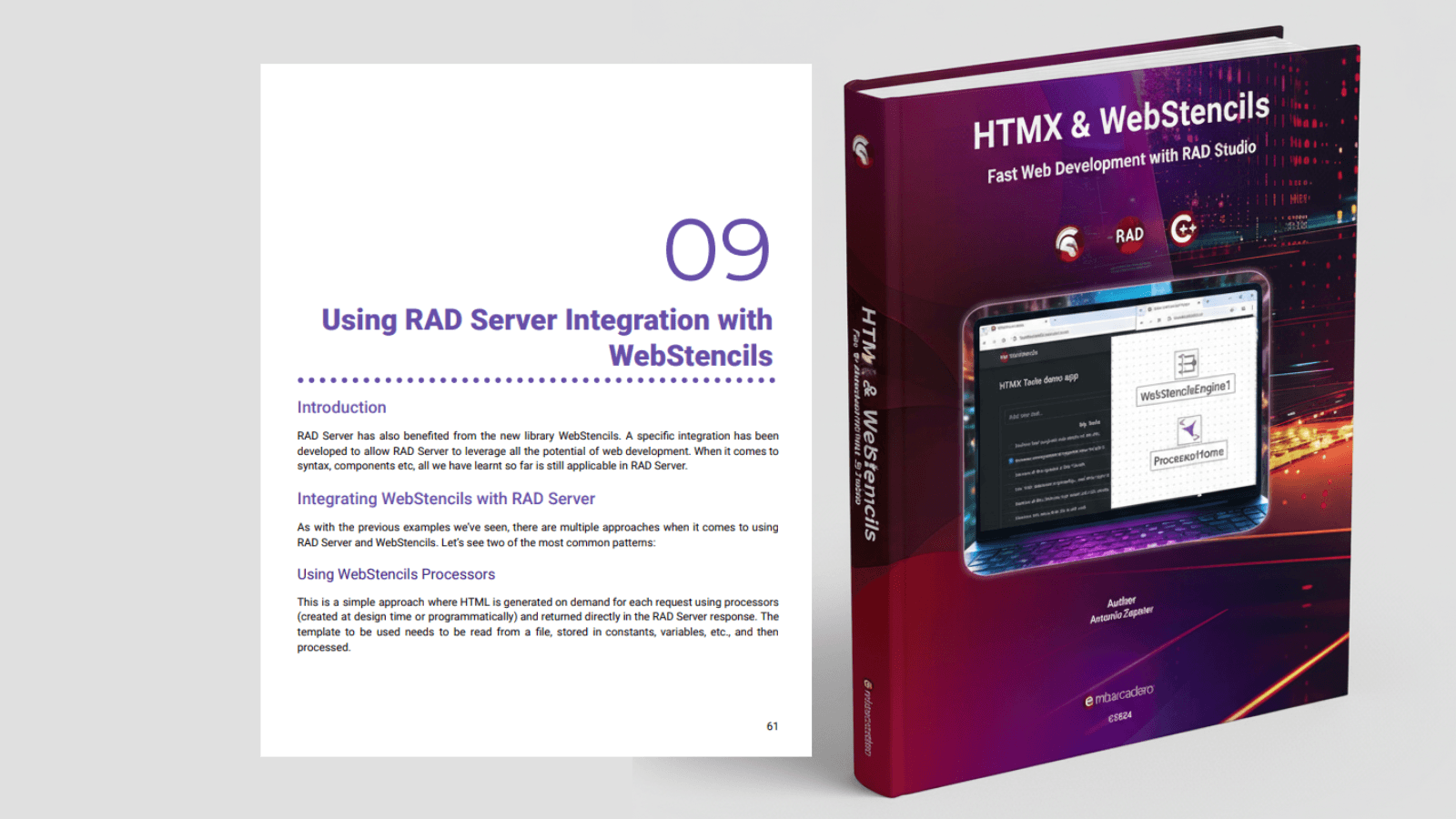
What's Inside:
- Deep dive into WebStencils, RAD Studio's powerful template engine
- Introduction to HTMX and its core concepts
- Practical, step-by-step tutorials and examples
- Advanced techniques for scalable web applications
- Integration with RAD Server for enterprise-level solutions
About the Author
Antonio Zapater is a recognized expert in RAD Studio development, bringing years of experience in modern web development techniques and server-side technologies.
Frequently Asked Questions
Yes. Templates are plain HTML files (full pages or partials) that can include your existing CSS and JavaScript libraries. Web developers can work in familiar tools and ship UI changes without owning backend code.
No. Use any CSS/JS library (Bootstrap, Tailwind, jQuery, HTMX, etc.). You are not locked in.
Host with WebBroker or RAD Server. Works as Standalone or behind Apache, NGINX, IIS, and FastCGI
Business logic runs server-side in Delphi/C++. Only minimal JS is needed when using HTMX.