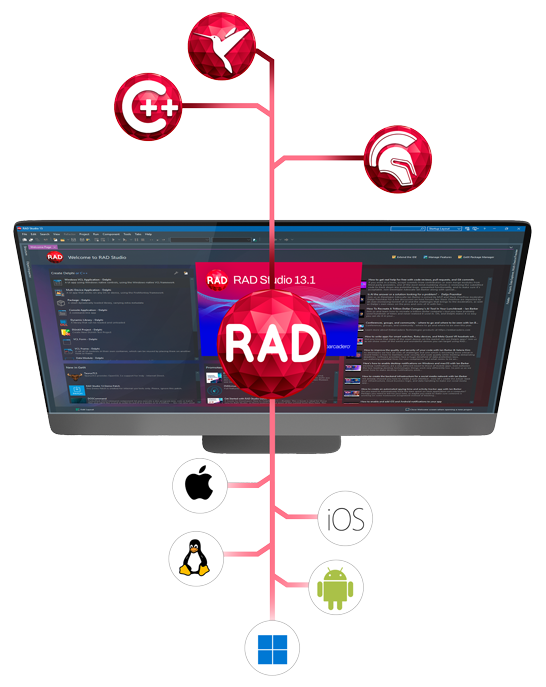
Kai for RAD Studio
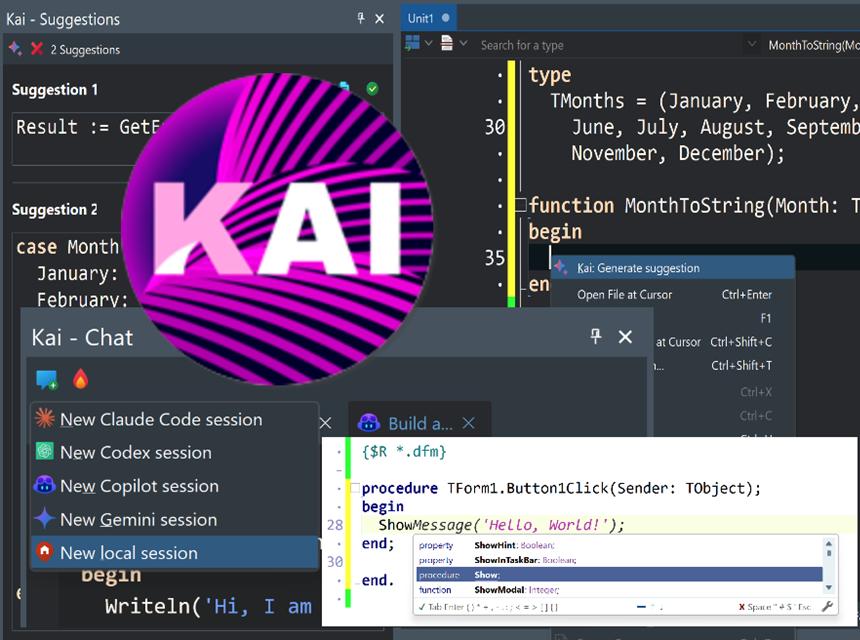
Kai is Embarcadero’s agentic AI platform for Delphi, C++Builder, and RAD Studio, bringing automation into your development workflow. More than a coding assistant, Kai acts as a collaborator: generating code and UIs, compiling projects, resolving errors, and executing tasks inside and outside the IDE using MCP-powered workflows. From accelerating new applications to modernizing and refactoring existing codebases, Kai serves as an agentic companion, assisting with complex work and adapting to your process. Built on a flexible BYOK model, Kai supports leading LLMs including GitHub Copilot, OpenAI, Claude, Gemini, and local models, giving developers control over performance, cost, and data privacy.
Kai is Available As a Premium Add-on
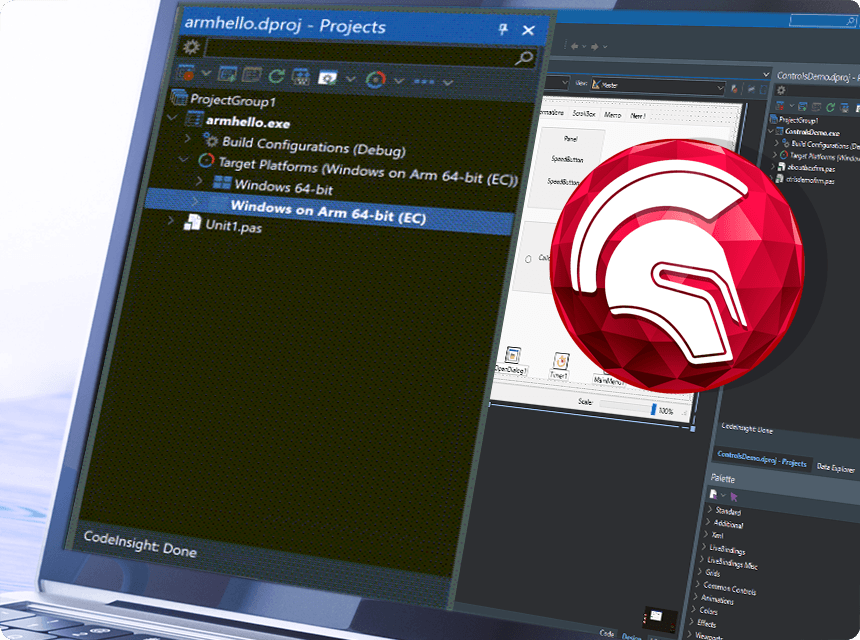
Delphi Arm64EC Native Compiler Toolchain
Target the next generation of Windows on ARM devices with your existing codebase
RAD Studio 13.1 and Delphi 13.1 introduce a new native target platform for Delphi compiler: Windows on Arm. Delphi now supports creating native Arm binaries that run on Windows Arm devices (or Windows on Arm virtual machines running on Arm Macs), without using the Intel emulation layer. This allows developers to expand the native Windows support, building native applications for Win32, Win64 Intel and Win64 Arm using the same source code. Existing Delphi applications can generally be recompiled for the new target platform.
Android API Level 36 and iOS 26 Support
Compliance for the latest mobile OS and app store requirements
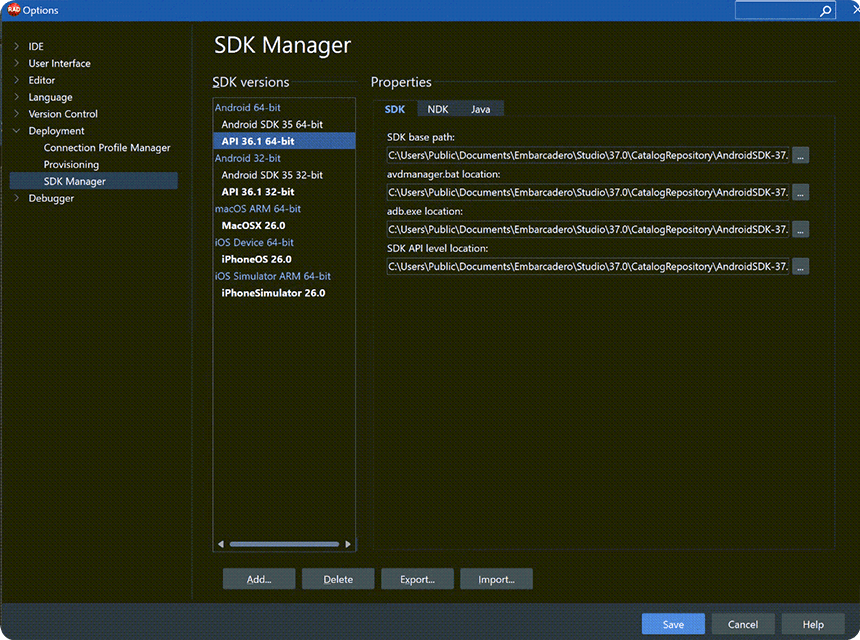
RAD Studio 13.1 adds support for Android API level 36.1, a mandatory requirement for publishing apps on the Google Play Store starting August 2026. The build system and platform jar files have been upgraded to support Android API level 36.1. The Application Uses Permissions options page now includes the new permissions for the latest API level, and the version of the JetPack Core library the FireMonkey framework depends on for Android has been upgraded. RAD Studio also adds official support for iOS 26, and has increased the default value of the Minimum iOS version supported.
Bookmarks Addon Integrated in the IDE
Expanded built-in source bookmark capabilities
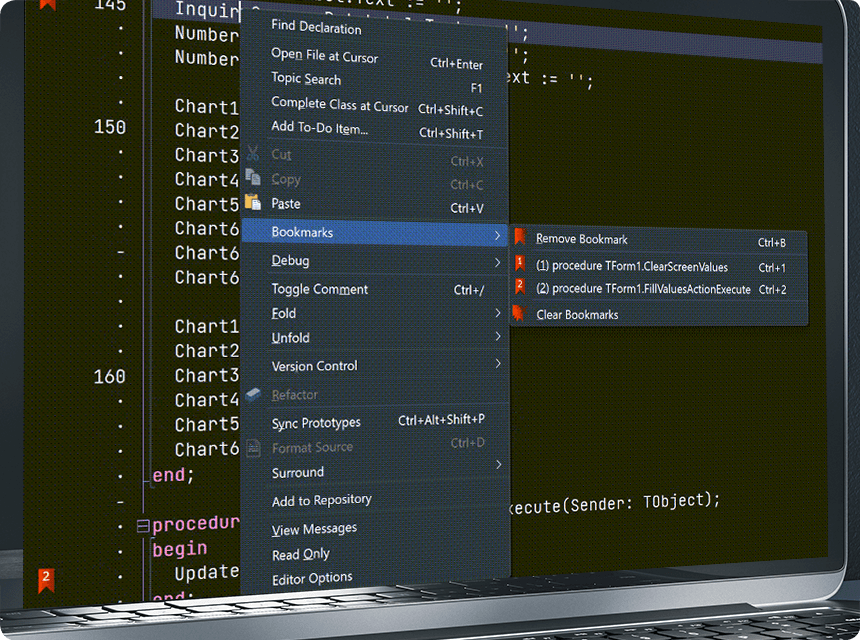
RAD Studio 13.1 fully integrates the Bookmarks Addon into the IDE. The Bookmarks plugin now fully replaces the corresponding IDE’s built-in bookmarks functionality. The extended Bookmarks feature adds several advanced capabilities, including automatic bookmark numbering, rapid keyboard-driven navigation, and a structured list of active bookmarks with exact code-line references. This enables developers to move more quickly through their application’s source code and quickly return to a previous section of their code.
Windows 11 Specific VCL Styles (also for the IDE)
Easily modernize the look and feel of your Windows applications
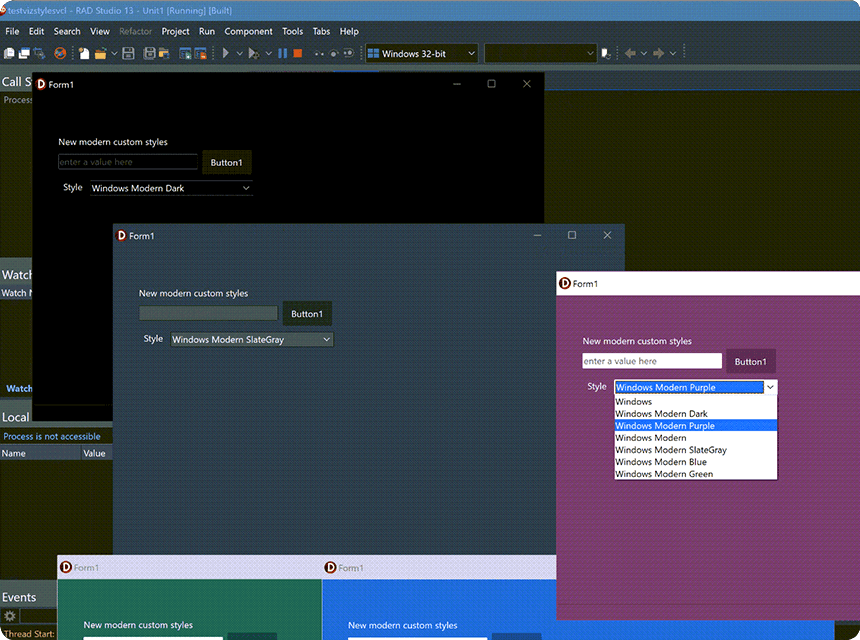
RAD Studio 13.1 Florence adds a family of 6 new Windows 11 specific VCL styles, which include different color tones. The list includes: Windows Modern, Windows Modern Dark, Windows Modern SlateGray, Windows Modern Green, Windows Modern Blue, and Windows Modern Purple. There is also a matching new version of the IDE styles, further aligning the RAD Studio IDE to the Windows 11 UI style. There is also support for rounded edges in many windows, an enhanced IDE search control and navigation toolbar.
FireMonkey Style Designer
Faster, more flexible and modern UI styling
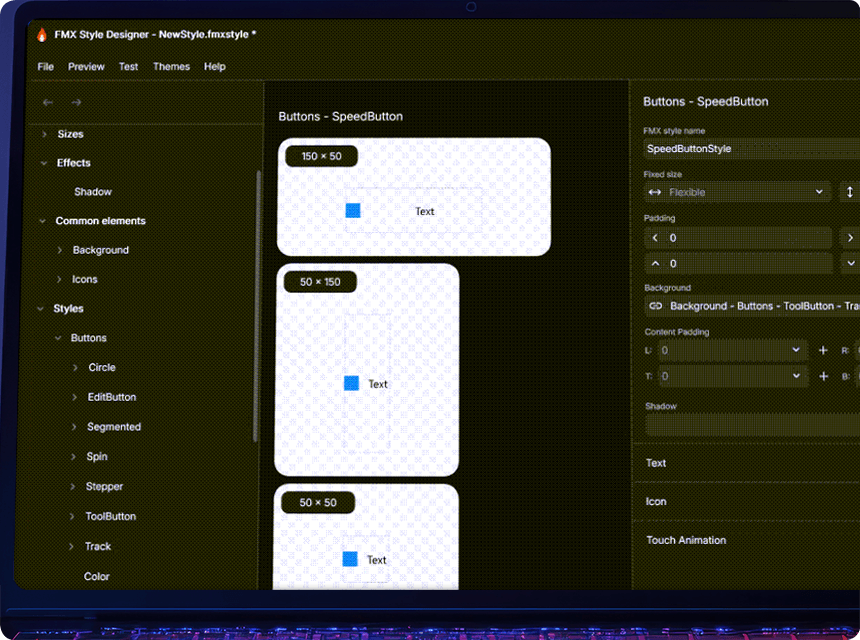
RAD Studio 13.1 includes the initial release of a completely new FireMonkey Style Designer, specifically intended for FireMonkey and based on modern design principles. The FireMonkey Style Designer is a standalone application that provides a design-centric interface for working with colors, backgrounds, typography, and interaction states. The Style Designer is built with FireMonkey, and is meant to be used by developers, and by graphic UI designers working alongside the development team.
DelphiLSP LSIF
Faster navigation in library source code
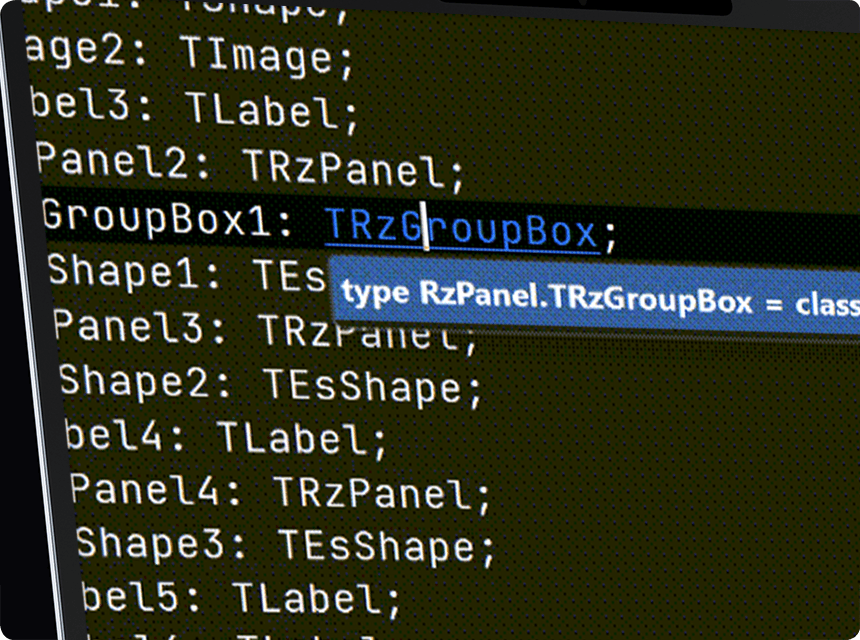
Delphi 13.1 introduces a new extended architecture for the DelphiLSP code completion and code navigation engine. The Delphi Language Server Protocol (LSP) engine now includes support for the Language Server Index Format (LSIF). This reduces dependence on the compiler, improving the performance, stability, and accuracy of Code Insight. This results in much faster performance when serving common navigation requests, without invoking the compiler.
Quality Improvements: C++Builder / Modern Win64
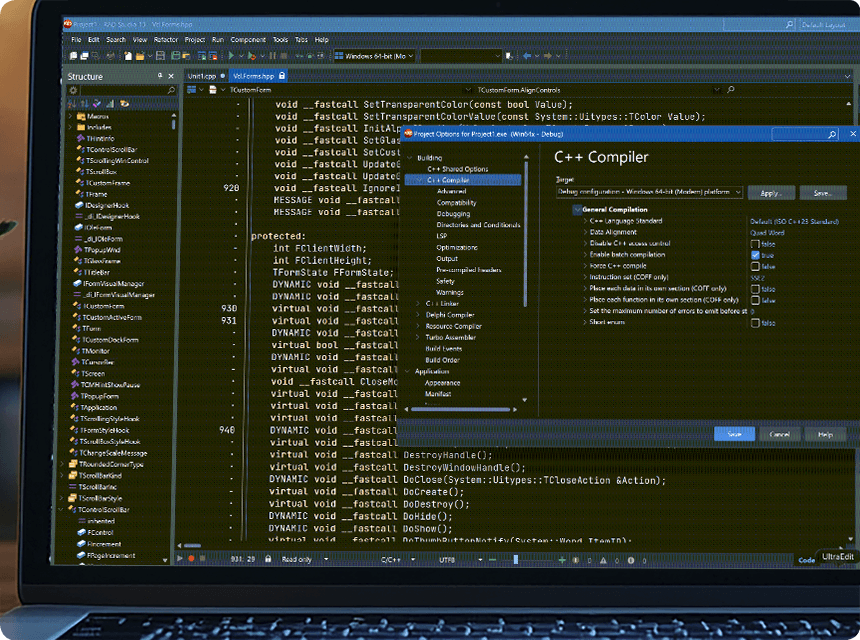
Following the upgrade to Clang 20 and C++23 in 13.0, 13.1 is primarily focused on improving quality across the C++Builder 64-bit Modern compiler toolchain. The clang-scan-deps utility provides faster dependency scanning and enhanced Unicode path handling for linker invocations. For the Windows SDK, the import algorithm is more reliable when multiple SDK versions are installed, and support for the latest Windows SDK has been added. Several issues related to C++ use of the Delphi runtime have also been resolved.
Quality Improvements: IDE and Debugger
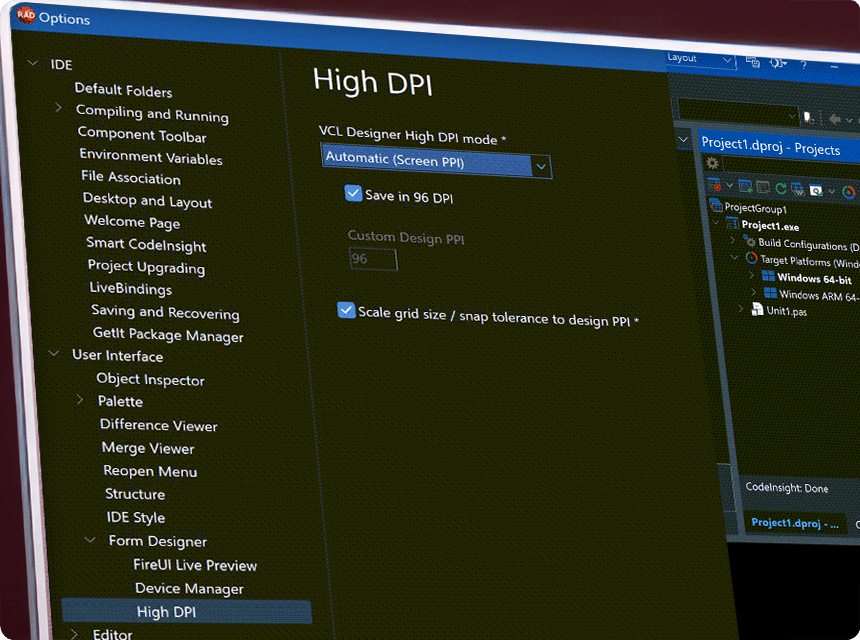
RAD Studio 13.1 delivers a major improvement to the HighDPI design experience. Forms can be saved at 96 DPI, useful for teams working on the same project across different resolutions and HighDPI IDE configurations. Product registration has been modernized: the License Manager application and the Product Registration dialog box have been improved, offering HighDPI support via the Per Monitor v2 configuration, updated fonts, and an overall UI cleanup. This release also includes several debugger quality improvements, with a particular focus on the 64-bit debuggers for Delphi and Modern C++.
Quality Enhancements for VCL and FireMonkey
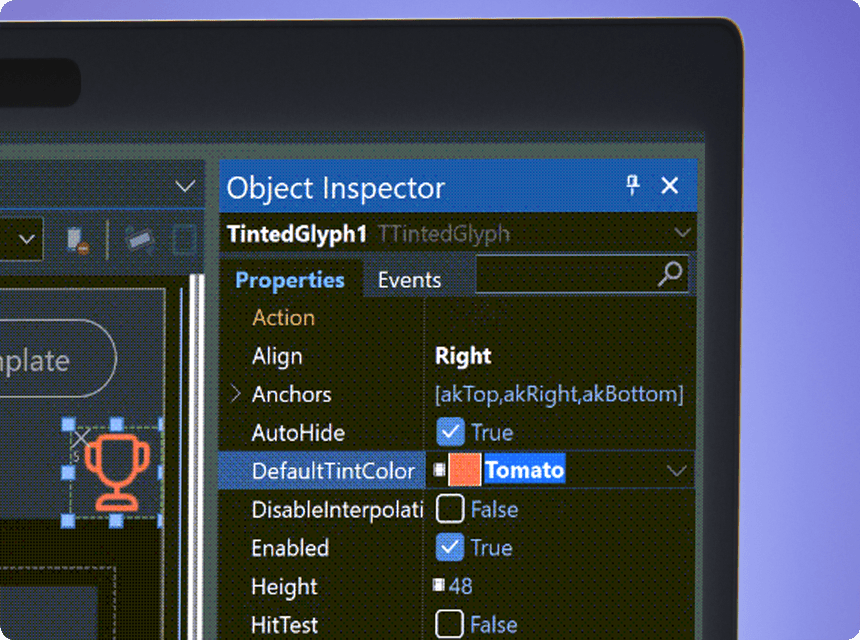
RAD Studio 13.1 includes a large number of quality improvements to UI libraries, VCL and FireMonkey. FireMonkey adds support for Tinted Glyph, which supports recoloring icons in an ImageList, matching a feature already available for the TSpeedButton control. It also adds support for Linux styles and views in the IDE designer, support for DirectX texture filtering, and improvements to the way a TFrame embedded in a FireMonkey form is aligned and manages its margins.
FireDAC and Database
Database access is a foundation of RAD Studio. The FireDAC database library is updated regularly to support new database releases. RAD Studio 13.1 adds support for SAP ASE Server version 16.1, IBM DB2 12.1, and MariaDB Server 12.1 (some database drivers are available in the Enterprise version only). In addition, the legacy SQLite encryption has also been made available for 64-bit Windows applications.

Web Tooling
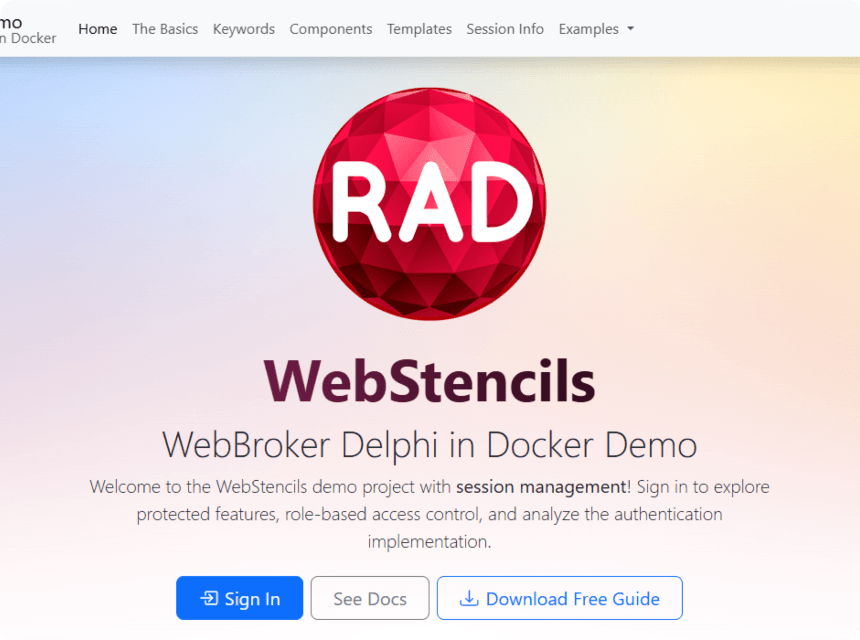
RAD Studio 13.1 introduces support for HTTP Server-Sent Events (SSE) model, both for Web servers and Web clients, with new classes like TWebResponseStream and THTTPEvent and THTTPEventSource. This enables implementing apps requiring the SSE structure, notably including the MCP protocols. In addition, WebBroker adds Apache configuration support to C++Builder and RAD Server Lite now offers integrated support for TLS 1.3.
Features Standard Since RAD Studio 13
64-bit IDE for the Windows 64 Target Platform
New Ternary Operator for Delphi
C++Builder Windows Introduces Support for C++ 23
SmartCore AI Component Pack (AI inside Your Apps)
RAD AI Companion Web Site
GetIt Packages Versioning
RAD Studio IDE Search Features
Features Standard Since RAD Studio 12
64-bit Compilers
64-bit RAD Studio IDE
Support for High-DPI 4k+ Screens
Smart CodeInsight: AI Powered Coding
WebStencils Template Library
Split Editor Views in RAD Studio IDE
SKIA Support for UI Design in FireMonkey
Editor-Only Focus Mode and Scrollbar Annotations
Support for Android API Level 35
Modernized Clang-Based C++ Compiler and Toolchain
Embedded InterBase Developer Edition!
C++Builder Visual Assist Integration
Use VCL Styles at Design Time!